All news · Patch notes
New interface, character appearance and profession balance
Kuzark has a brand-new interface: dark, clean panels, thin gold lines and readable new fonts. You now design your character from face to skin color, the monster race has a new green-skinned look and professions have been balanced.
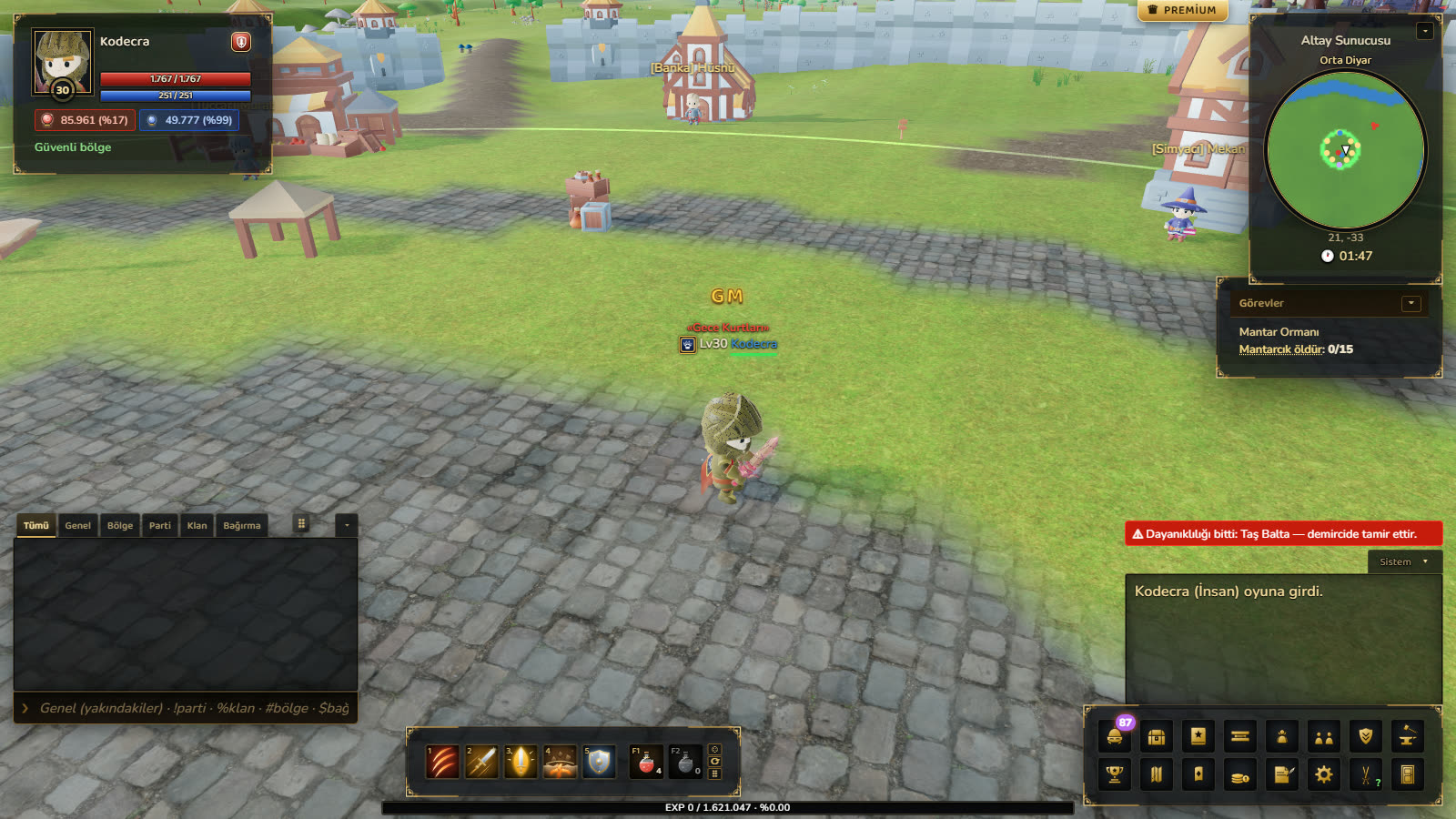
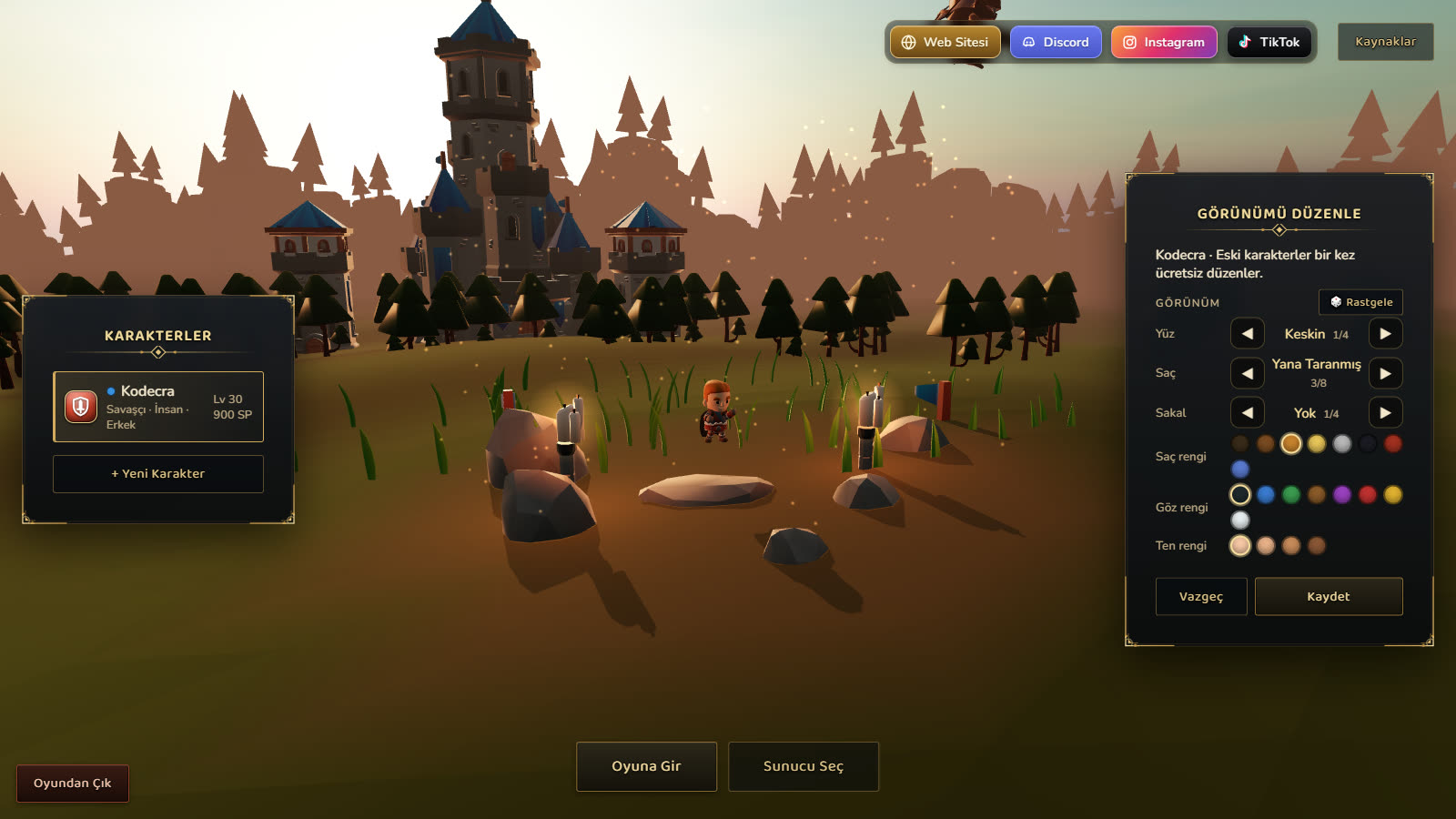
- InterfaceAll windows plus the login, server and character screens use the new theme: dark translucent panels, thin gold frames with corner ornaments and more readable rounded fonts. Windows open smoothly; health and mana bars slide down.
- InterfaceThe ID card at the top left shows your character's live face; it changes with your helmet and armor and the head bobs while running. The card is cleaner and smaller.
- NewWhen creating a character, the Appearance section lets you choose from 4 faces, 8 hairstyles, 4 beards, 8 hair colors, 8 eye colors and 4 skin colors. The camera zooms in on the face and every change shows instantly; the 🎲 Random button picks everything at random.
- NewThe monster race is no longer skeletons but a green-skinned people. Face, hair, beard and color choices are the same as for humans; the skin is always green.
- NewWhen you take off your armor the character really looks unarmored: men bare-chested with a belt, women in a linen top. Wearing armor shows the armor's own look.
- •Existing characters get the new face and hair closest to their old one; your hair color is kept. Use Edit Appearance on the character select screen to pick a new look once for free; after that, the Appearance Change Paper is in Gold Bazaar > Character.
- InterfaceThe skill bar is slimmer and the EXP text sits right in the middle of the bar. The envelope icon is hidden when you have no mail.
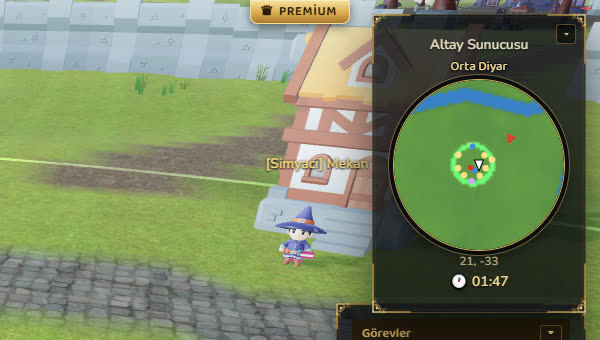
- InterfacePremium and Auto Repair appear as a ribbon at the top right; click it to see the time left. The ▾ on the minimap corner hides the minimap.
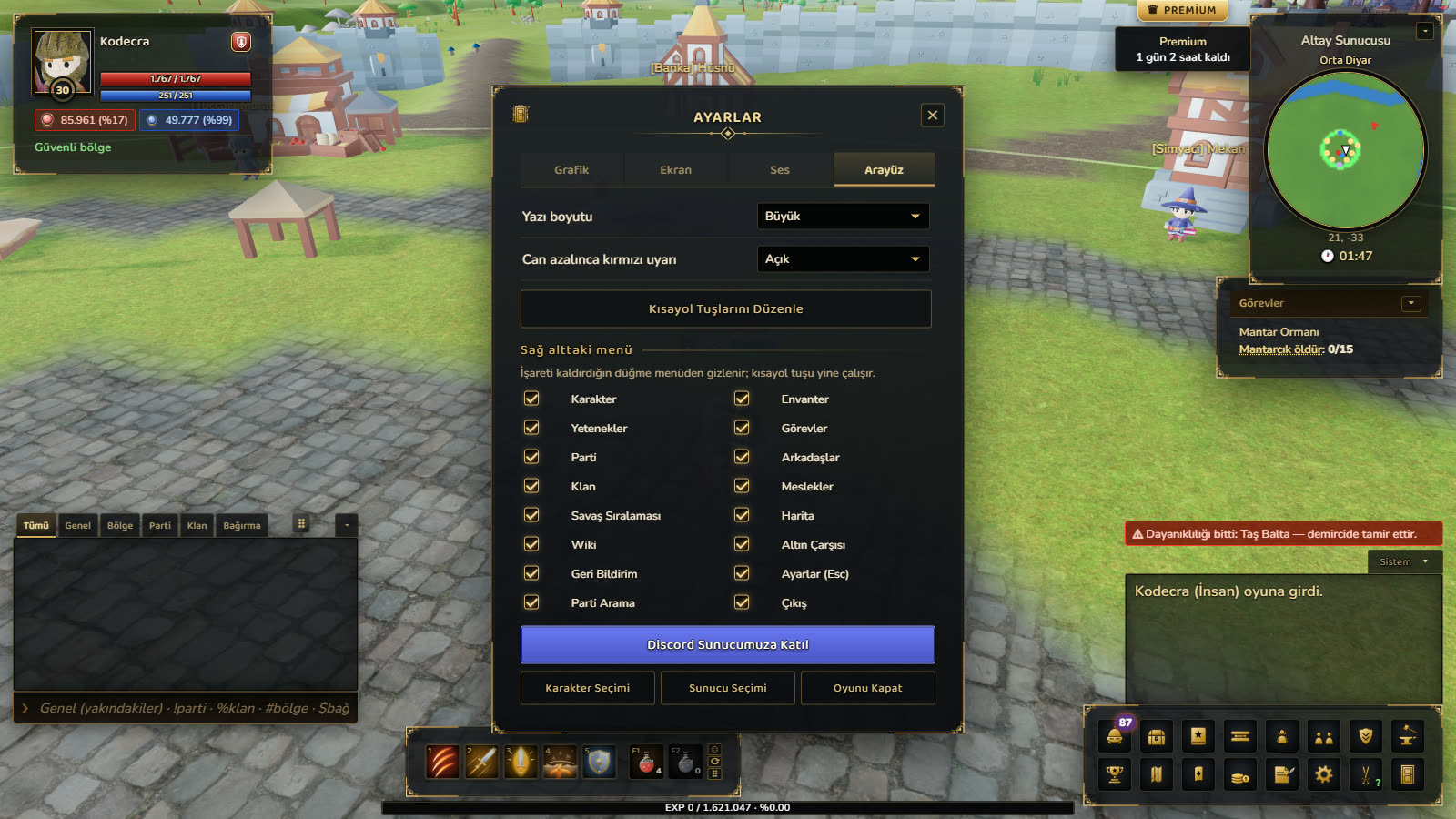
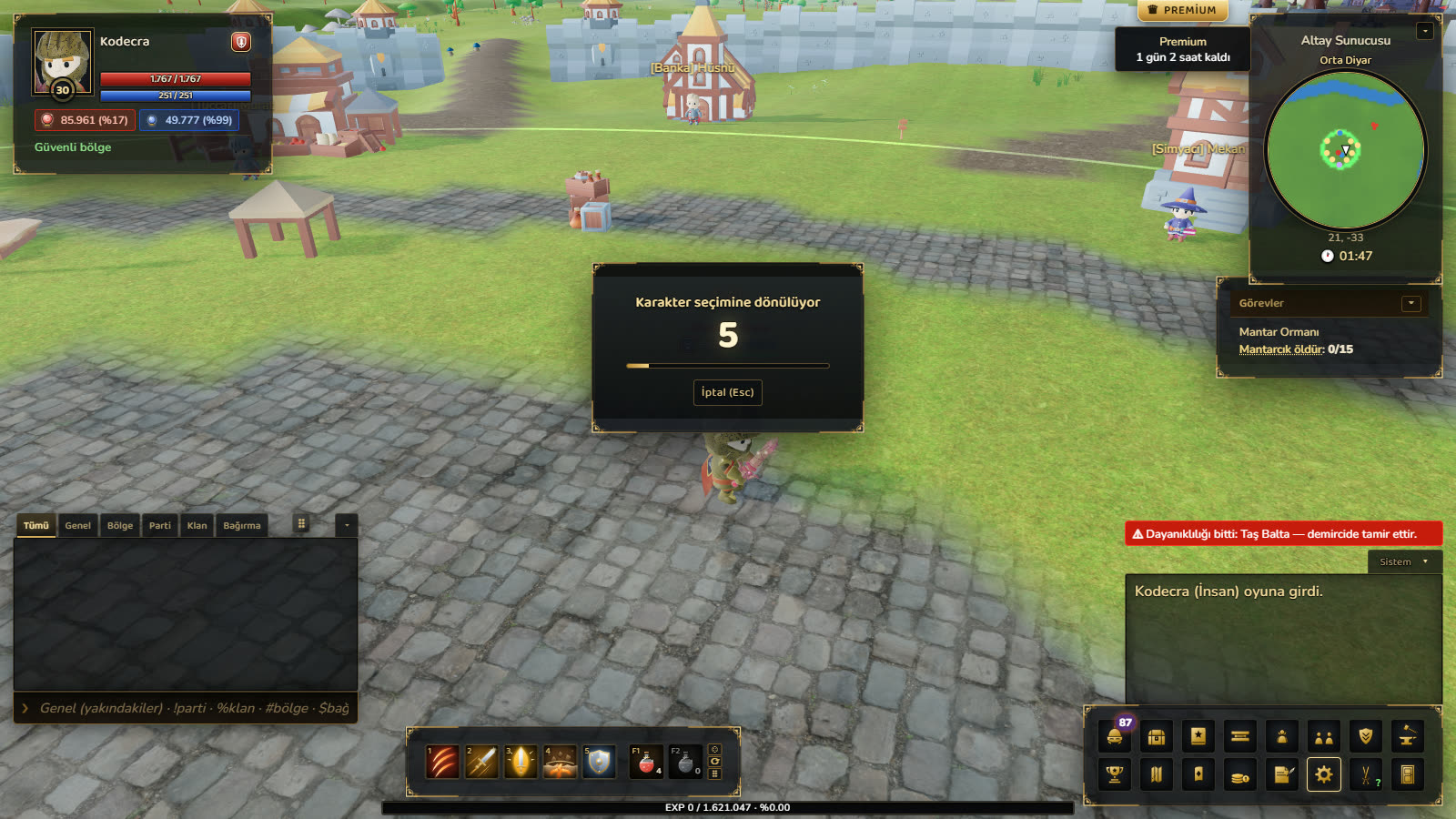
- InterfaceEsc now opens Settings. Character Select, Server Select and Close Game run with a 5-second countdown and can be cancelled with Esc.
- InterfaceIn Settings > Interface you can hide the bottom-right menu buttons you don't need. Drag the chat box by its ⠿ handle and drag its tabs to reorder them.
- NewSettings > Interface > Camera: choose Automatic and the camera swings behind your character while walking; right-click rotation is turned off.
- NewClicking a tree, ore vein or plant shows the required tool's picture, name and tier plus the profession level in the target box; a green tick appears when the tool in your hand fits.
- SoundSeparate footstep sounds on grass, stone, dirt, sand and bridge planks. Hitting a monster and taking a monster's hit now make a solid impact sound; the potion sound is new. Pressing a skill without enough mana no longer plays a hit sound, you get a warning instead.
- ChangeOnly the attacker and the target see damage numbers, so crowded fights look cleaner.
- FixThe breathing glow of +8 armor and helmets works again.
- FixThe browser spell checker is now off in the whisper window and other text boxes; it was the most likely cause of stutters during long conversations.
- WoodcuttingFelled trees now grow back in 25 seconds instead of 45. In Boluch Valley the Spruce grove grew from 6 to 10 trees and the Ancient Plane grove from 4 to 6. Woodcutting used to take almost twice as long as the other professions.
- HerbalismEvery plant gives a little more experience (Rosehip and Lavender 6, St John's Wort and Sage 14, Dragon Herb and Moonflower 26). The Dragon Herb and Moonflower fields grew (from 4 to 6).
- FishingThe rod gets a bite sooner and common fish give about 40% more experience.
- CookingFish dishes give experience based on the value of the fish in them; high-level dishes now give much more (e.g. Steamed Catfish 58 instead of 20).