A Low-Spec MMORPG: What PC Do You Need for Kuzark?
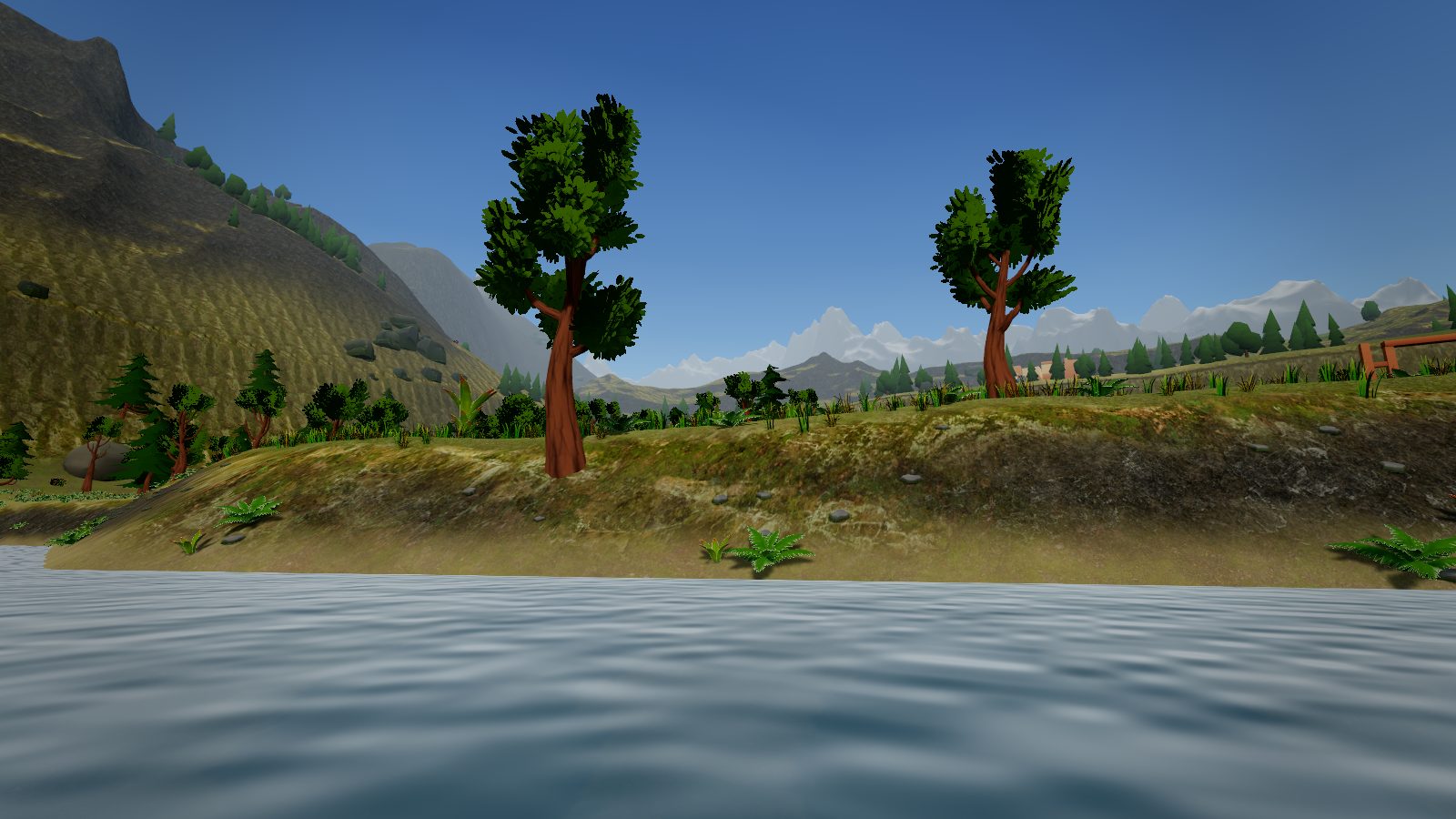
Not every player has a powerful gaming PC, and you do not need one for a good MMORPG. Kuzark was designed to be light. This post lists the system requirements and ways to play more smoothly on a low-spec machine.
System requirements
| Component | Required |
|---|---|
| Operating system | Windows 10 / 11 (64-bit) |
| Processor | 4 cores, 2 GHz or better |
| Memory | 4 GB RAM (8 GB recommended) |
| Graphics | DirectX 11 / 12 card with 2 GB memory |
| Disk | 4 GB free space |
| Internet | Constant connection |
These cover most laptops sold in recent years. The game also starts on PCs with integrated graphics; you may need to lower the settings.
Smoother play on a low-spec PC
- Lower the graphics settings: Shadows and view distance use the most resources.
- Plug in your laptop: On battery the CPU and GPU slow down.
- Close background apps: Browser tabs and video apps fill your memory.
- Update your graphics driver: Old drivers lower performance and cause visual glitches.
- Install on an SSD: Region loading gets shorter.
Why is it light?
Smoothness was a priority when Kuzark was rebuilt on its new graphics engine: real-time lighting and a day-night cycle, without needless load. The game updates itself, so you do not re-download every file for each patch.
Try it now
Kuzark is free and installs in a minute. Download it and see how it runs on your PC. Curious what it offers? Read our free MMORPG post, and the beginner's guide for your first steps. If you run into trouble, write to us from the support page.