All news · Patch notes
English language, new login screen and automatic updates
The English language has come to the Unity version, the login screen is simpler, and updates now close the game by themselves and download through the launcher. Sinking into bridges, the overflowing potion count, the disappearing mouse cursor and the Sunken Chest that would not open are fixed.
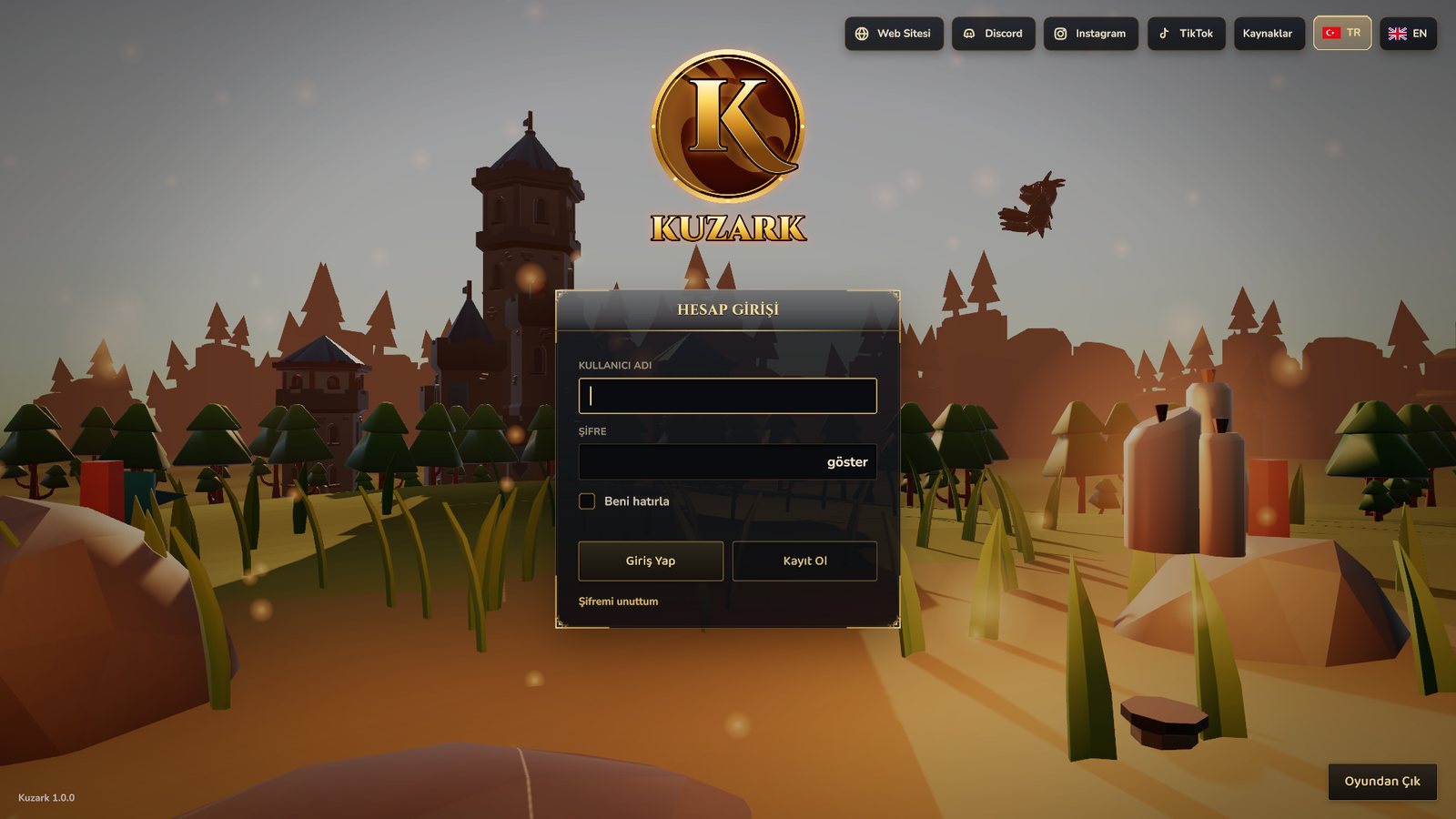
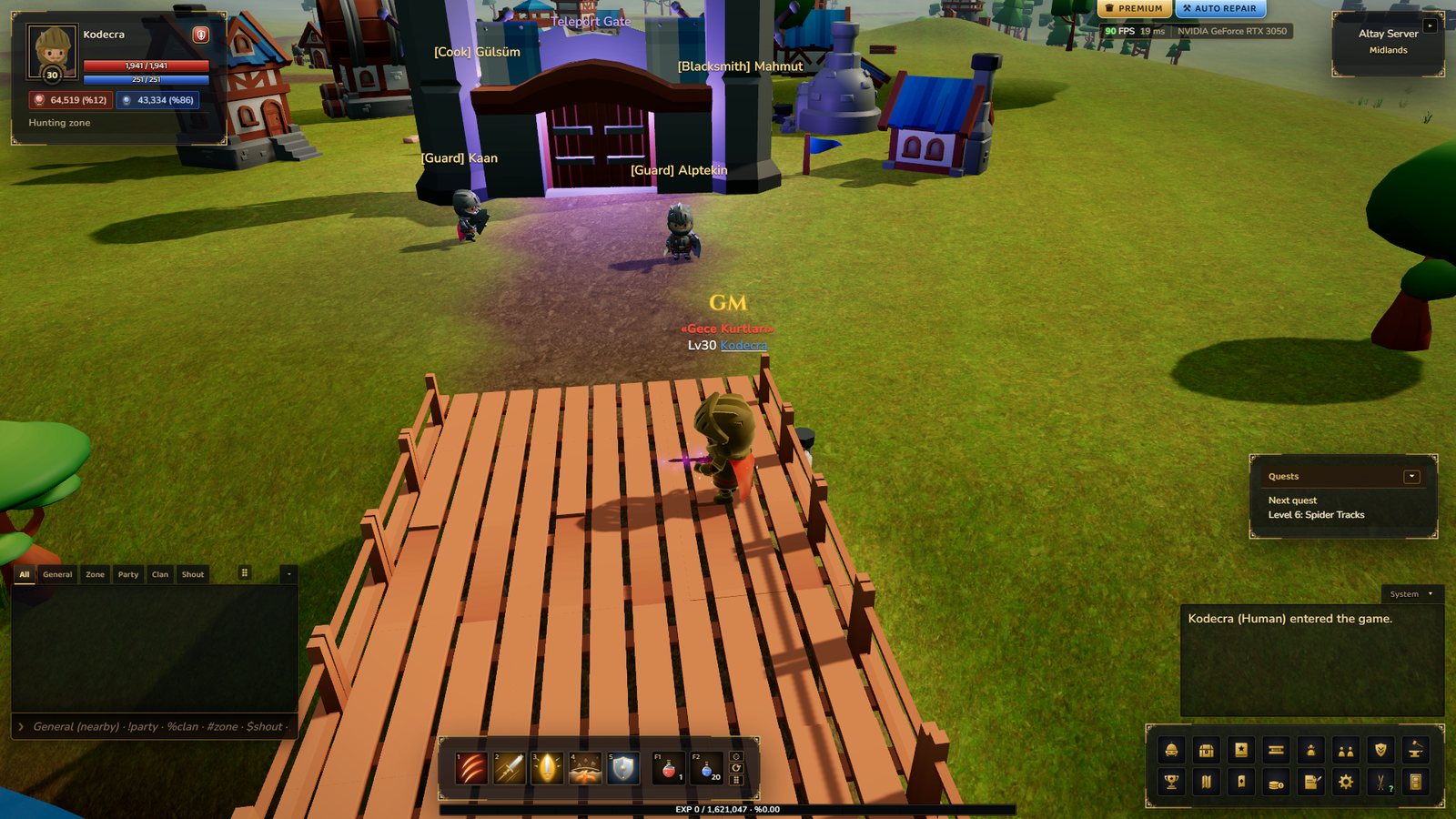
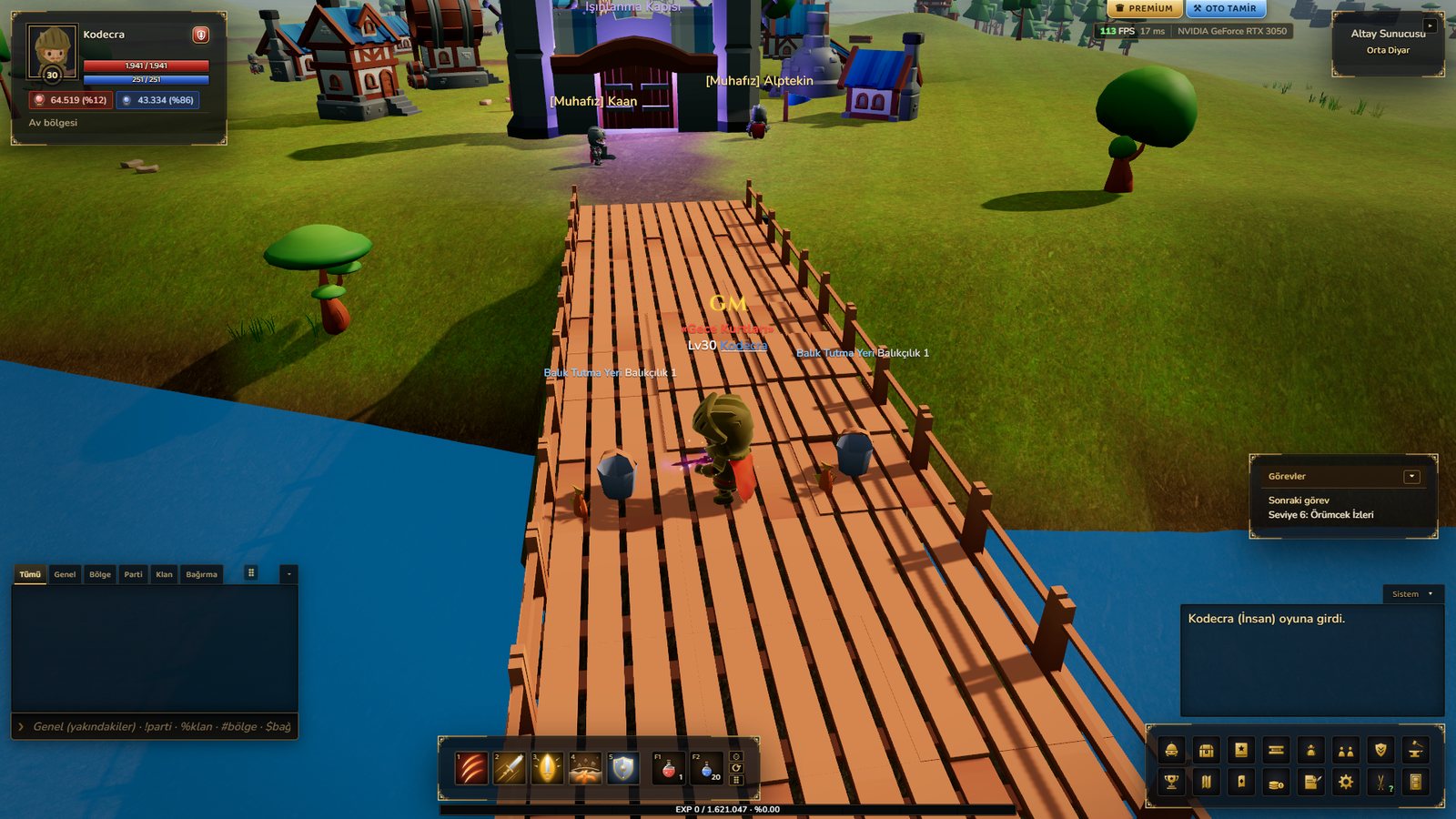
- NewEnglish language in the Unity version. As in the web version, all game texts, the Wiki and kuzark.com are available in English. Choose the language in the launcher or with the TR / EN flags on the game’s login, server and character select screens; it changes immediately without closing the game and your choice is remembered. On the site, switch with the flags at the top right. Player chat, nicks and clan names are not translated; players of both languages play on the same server.
- ChangeNew login screen. When the game starts a short logo is shown, then the username and password boxes appear in the middle of the screen; after logging in, server select and then character select open.
- ChangeUpdates arrive automatically. If a new version is released while you are in the game, a warning appears and the game closes by itself after a few seconds (your character is saved). The launcher downloads the update; press Play to come back in. If you don’t want to wait, press Update in the warning.
- FixThe patch number in the launcher did not change after updating; it now goes up with every update.
- FixPlayers on the old launcher received updates but kept the old look. With this update old launchers switch to the new look too.
- FixWhen stepping onto a bridge, the character sank into it up to the waist; it now walks on top of the bridge.
- FixThe potion count on the shortcut bar overflowed its slot; it now stays inside the slot.
- FixThe mouse cursor sometimes disappeared and the interface appeared late when entering the game; fixed.
- FixThe Sunken Chest caught while fishing could not be opened; it now opens with a right click (Silver, bait, scrolls and, if you are lucky, an accessory). Mossy Branch showed the wrong icon.
- WikiNew page: Login screen. The language and update pages were rewritten, and the Sunken Chest contents are listed with their odds.
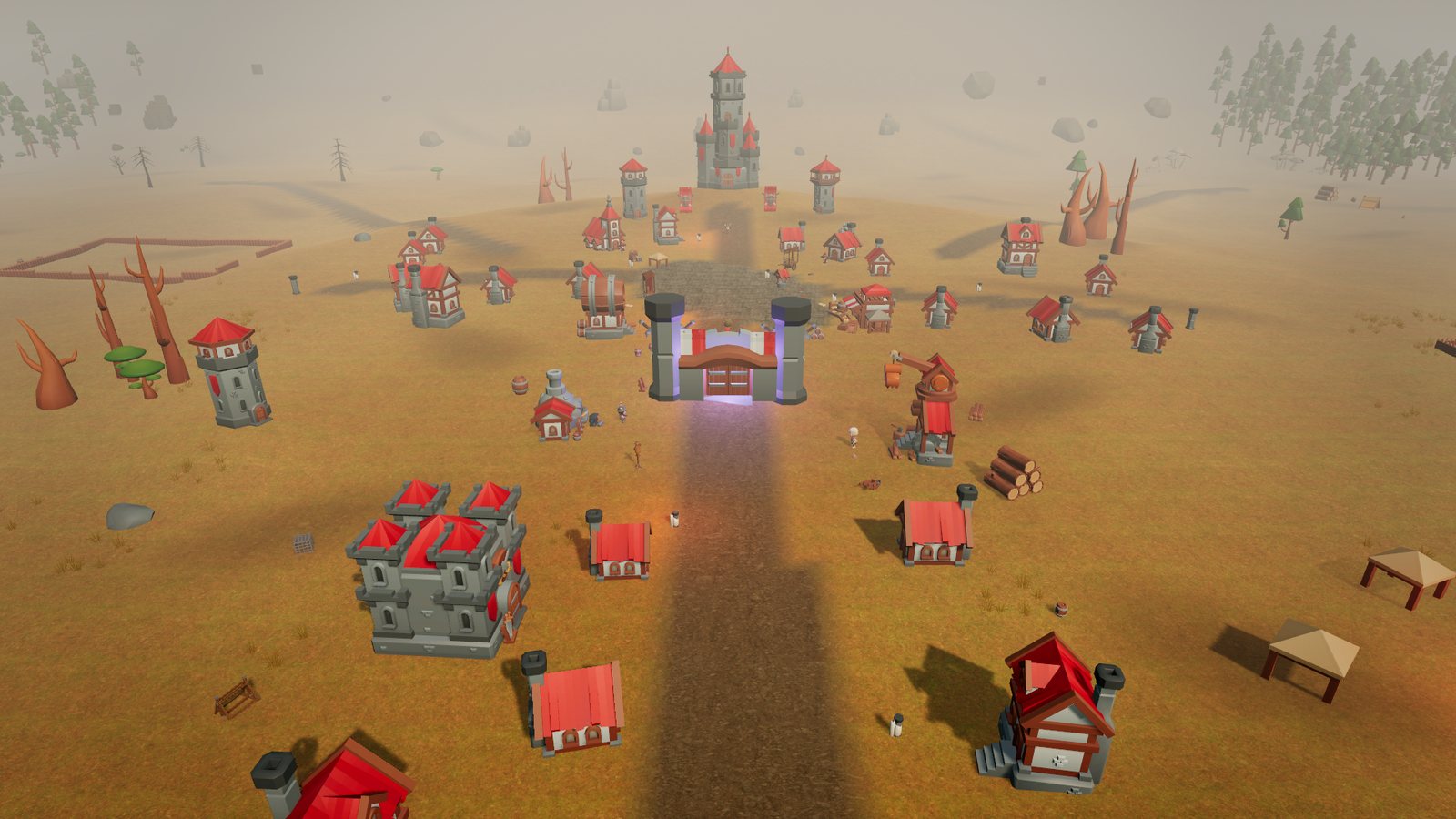
- SiteNew Unity images in the gallery: character select, Tamu Keep, the map, the Kirgin Plain camp and Zorgath. The six class portraits, skills, PvP, mining, woodcutting and fishing were also re-shot in the Unity version.